
Plot prior or posterior model draws on top of data.
Usage
# S3 method for class 'mcpfit'
plot(
  x,
  interval = "none",
  width = 0.95,
  facet_by = NULL,
  color_by = "auto",
  lines = 25,
  geom_data = "point",
  cp_dens = TRUE,
  rate = TRUE,
  prior = FALSE,
  arma = TRUE,
  ndraws = 500,
  scale = "response",
  at = NULL,
  q_fit = lifecycle::deprecated(),
  q_predict = lifecycle::deprecated(),
  nsamples = lifecycle::deprecated(),
  ...
)

plot_dpar(
  x,
  dpar = "epred",
  interval = "none",
  width = 0.95,
  facet_by = NULL,
  color_by = "auto",
  lines = 25,
  cp_dens = TRUE,
  prior = FALSE,
  arma = TRUE,
  ndraws = 500,
  scale = "response",
  at = NULL,
  ...
)
Arguments
- x
An
mcpfitobject- interval
Which central intervals to plot as dashed lines:
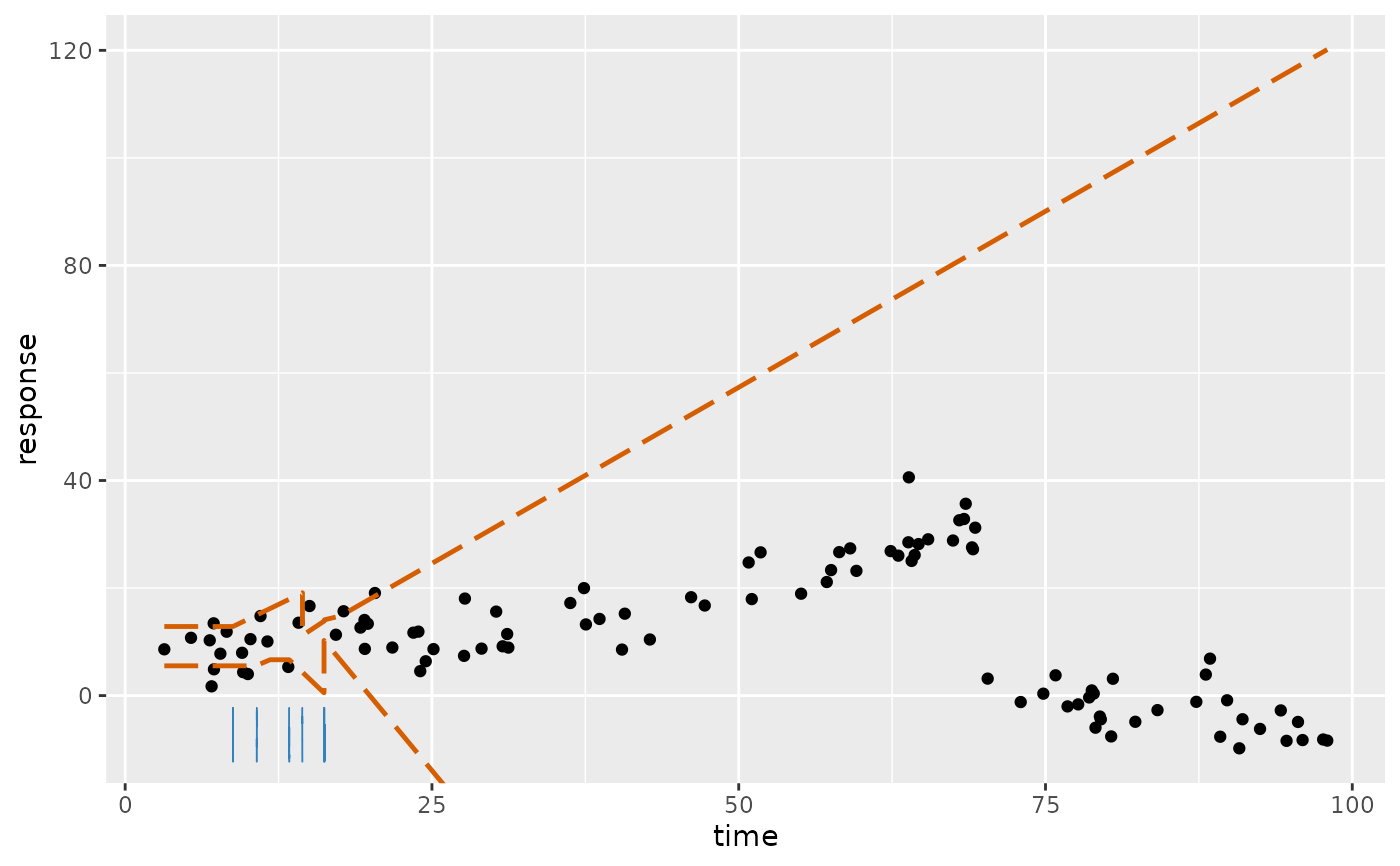
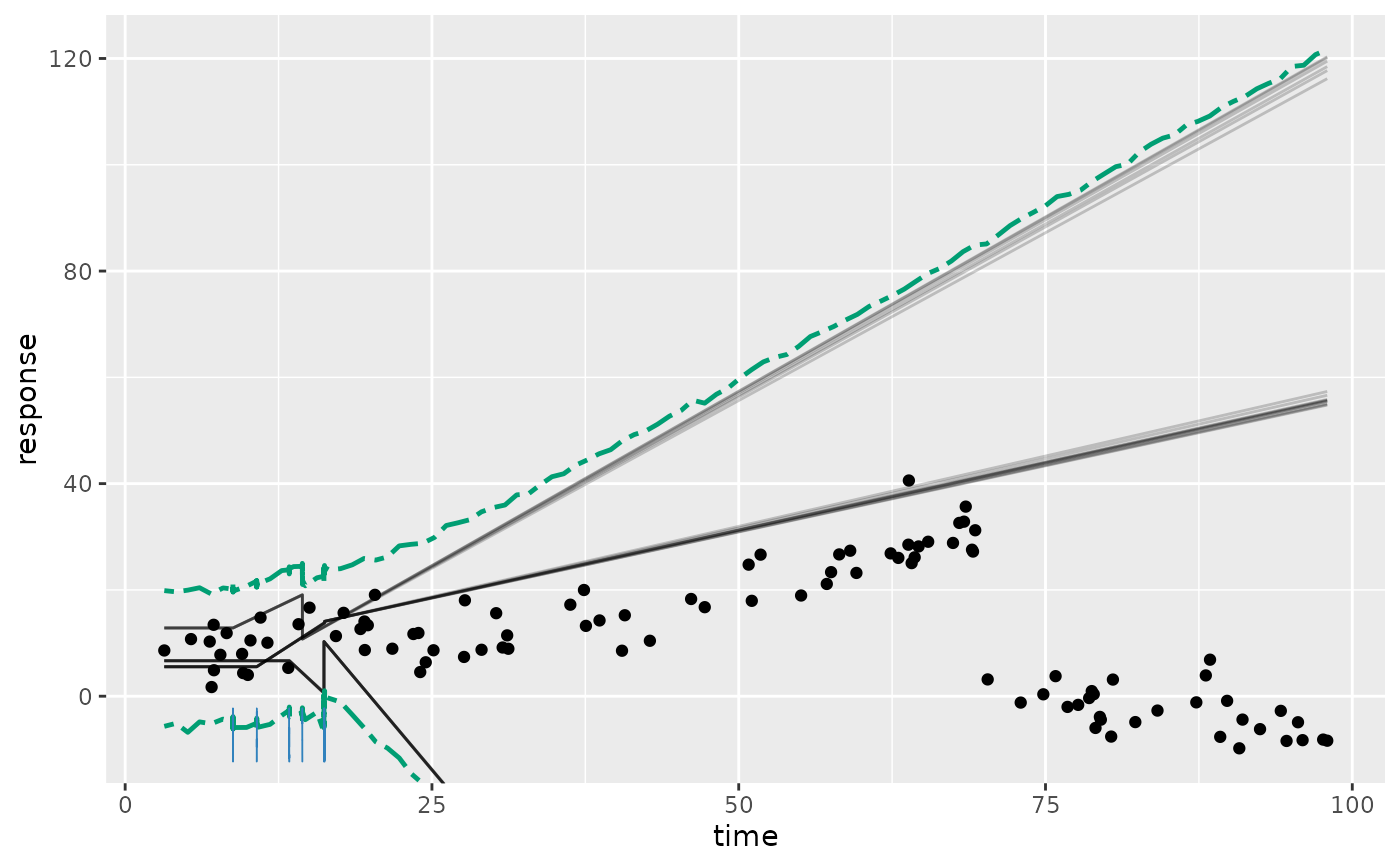
"none"(default): No intervals."fitted": Interval of the fitted values (expected response), as infitted(). Red lines."predict": Posterior predictive interval, as inpredict(). Green lines.c("fitted", "predict"): Both.plot_dpar()supports only"none"and"fitted".
For other quantiles, see the plotting article for computing them from
fitted(..., summary = FALSE)orpredict(..., summary = FALSE)and adding them as a ggplot2 layer.- width
Width of the central interval(s) given in
interval(strictly between 0 and 1). For example,width = 0.8plots the 10% and 90% quantiles.- facet_by
Character vector. Names of categorical data columns to split to facets. Can be grouping-factor or categorical predictor columns.
- color_by
A character vector naming categorical predictor or grouping columns to color by. Multiple columns are combined as an interaction. Curves and quantiles remain separate for grouping columns not mapped to color.
"auto"colors by the categorical predictor if the model has exactly one and it is not infacet_by.NULLdisables color.- lines
Positive integer or
FALSE. The number of fitted lines (draws). It is the number of joint posterior draws shown for every curve. FALSE orlines = 0plots no lines. Note that lines always plot fitted values - not predicted. For posterior predictive intervals, useinterval = "predict".- geom_data
String. One of "point", "line" (good for time-series), or FALSE (do not plot).
- cp_dens
TRUE/FALSE. Plot posterior densities of the change point(s)?
- rate
Logical scalar. For binomial models, plot the observed or expected success proportion (
rate = TRUE, the default here) or counts (rate = FALSE). This default is the opposite offitted()andpredict(), which return counts by default; plotting proportions keeps curves comparable across varying trial counts. Predictions and count-scale fitted values require a trials column innewdata/at. Other families do not supportrate = TRUE, so the default only applies to binomial and Bernoulli models.- prior
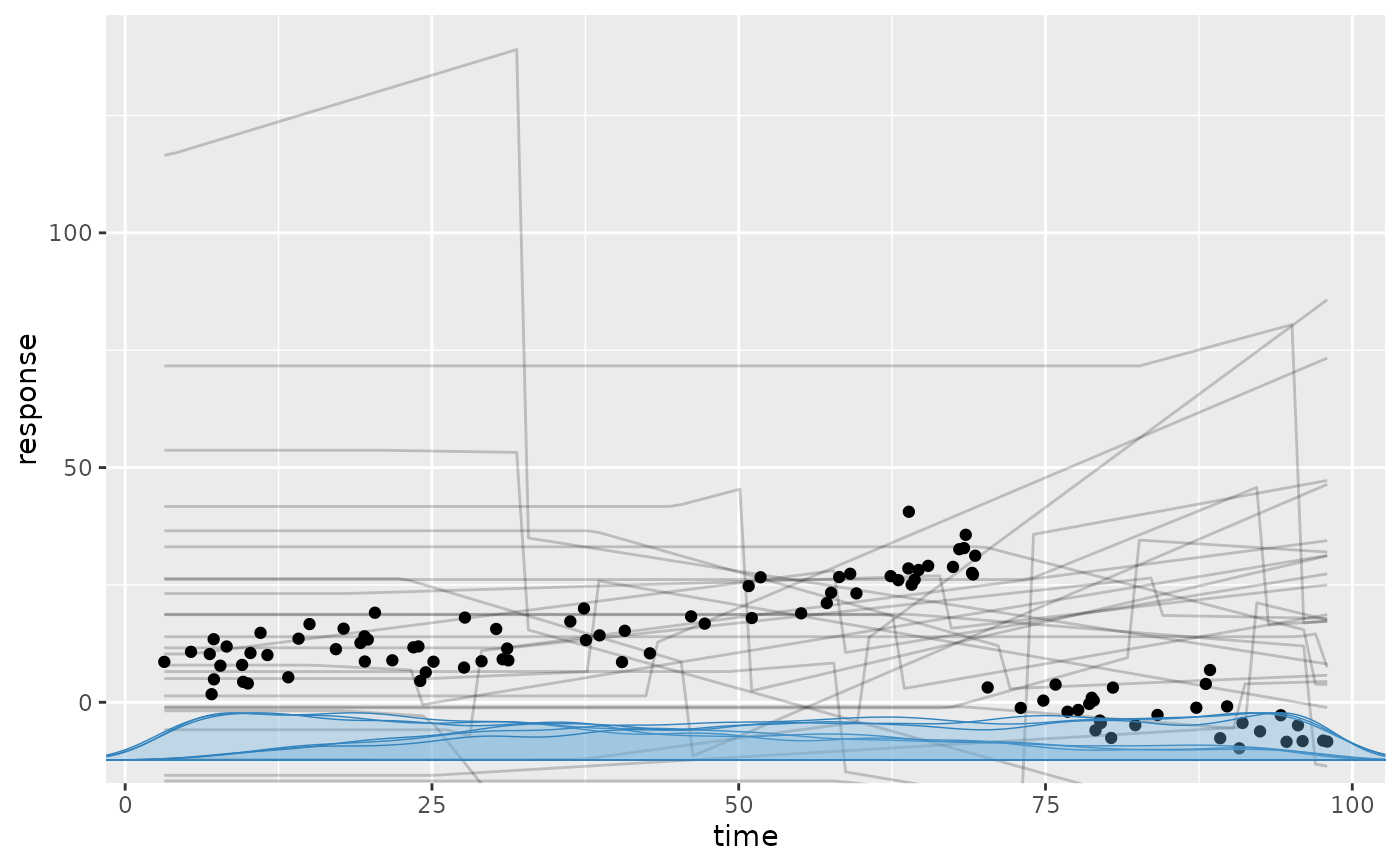
Logical. Evaluate prior draws (
TRUE) instead of posterior draws (FALSE, default). The selected draws must be available; prior-only fits requireprior = TRUE.- arma
How to include AR and MA effects.
TRUE: Condition on the observed response history, i.e., one-step-ahead evaluation of the GARMA residual recurrence. Requires the response variable innewdata.FALSE: Disregard AR and MA effects. Forfamily = gaussian(),predict()uses onlysigmafor residuals."replicate": Generate fresh response series recursively instead of conditioning on the observed responses. Only for predictions:predict(),posterior_predict(), andpp_check()(where it is the default). Applies equally to prior and posterior draws.
For posterior evaluation of the original data, retained JAGS imputations supply missing GARMA histories. In models with group-level effects, this currently requires all such effects (
group_effects = TRUE).- ndraws
Integer or
NULL. Number of posterior draws to return/summarise.NULLmeans "all". More draws trade speed for accuracy.- scale
One of
"response": return on the response scale, i.e., after applying the inverse link function."linear": return on the linear-predictor (link) scale, where the linear trends are modeled.
- at
Named list setting additional continuous predictors to fixed values. They default to their observed means. Family-specific response auxiliaries can be supplied as explicit scalar design values. Passed to
interpolate_newdata().- q_fit, q_predict
Deprecated. Use
intervalandwidthinstead.- nsamples
Deprecated. Use
ndrawsinstead.- ...
Must be empty. Reserved for future use.
- dpar
What distributional parameter to evaluate. E.g.,
"epred"(default): Expected response from the full model (orNULLfor compatibility with brms etc.)."mu": The conditional mean (or success probability per trial for binomial/bernoulli models), on the link or response scale."sigma": The standard deviation of the residuals. Withar()orma(), it is the SD of the innovations, i.e., the part of the residuals not explained by the AR/MA terms."ar1","ar2","ma1","ma2", etc. depending on which AR or MA coefficient you want to evaluate.
Details
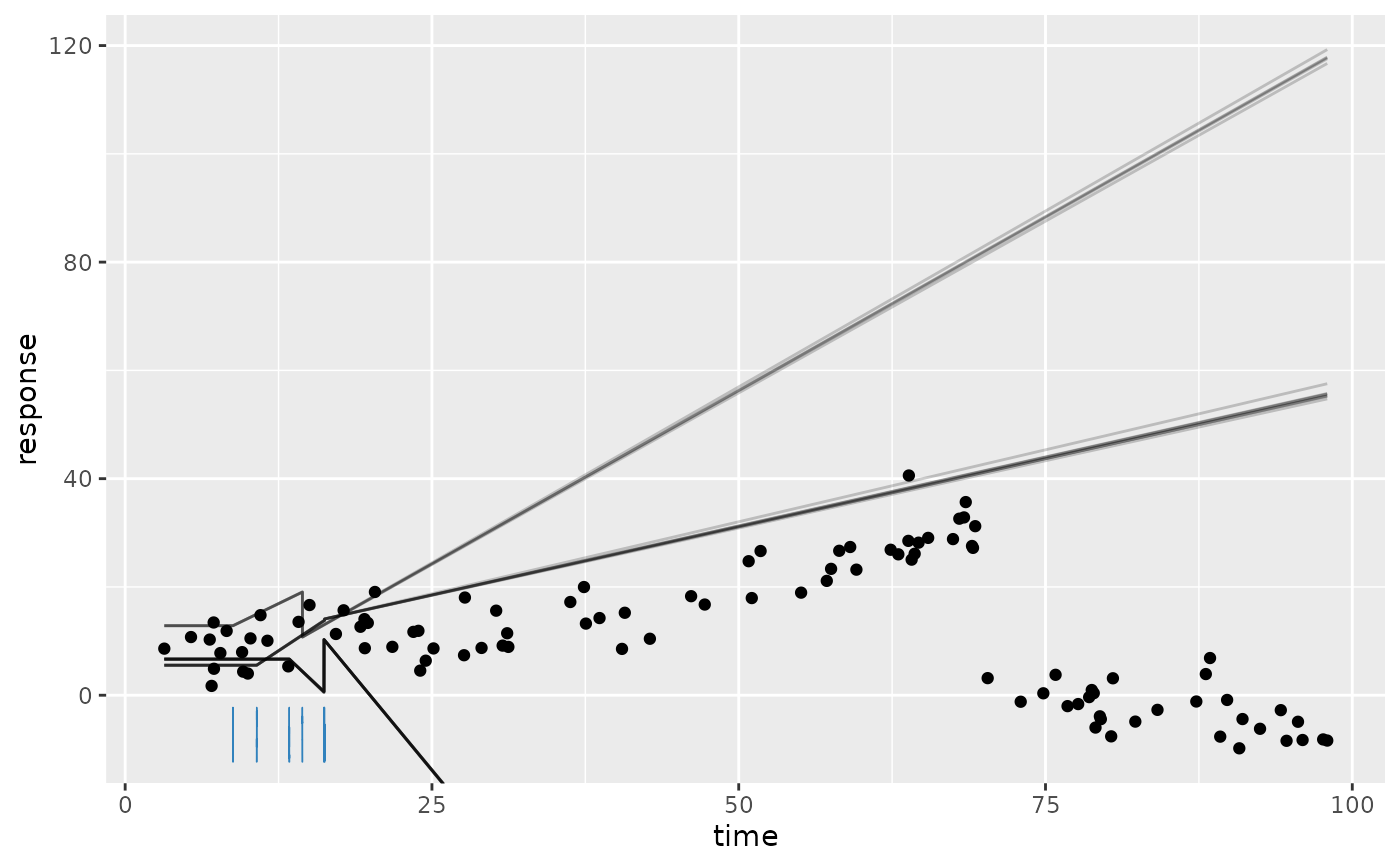
plot() evaluates the model on posterior draws like fitted() and predict(). These represent the
(joint) posterior distribution. Interval summaries are based on ndraws draws, and change-point
densities are simple densities on all available draws.
Author
Jonas Kristoffer Lindeløv jonas@lindeloev.dk
Examples
# Typical usage. demo_fit is an mcpfit object.
plot(demo_fit)
 # \donttest{
plot(demo_fit, prior = TRUE) # The prior
# \donttest{
plot(demo_fit, prior = TRUE) # The prior
 plot(demo_fit, lines = 0, interval = "fitted") # 95% central interval without lines
 plot(demo_fit, interval = "predict", width = 0.8) # 80% posterior predictive interval
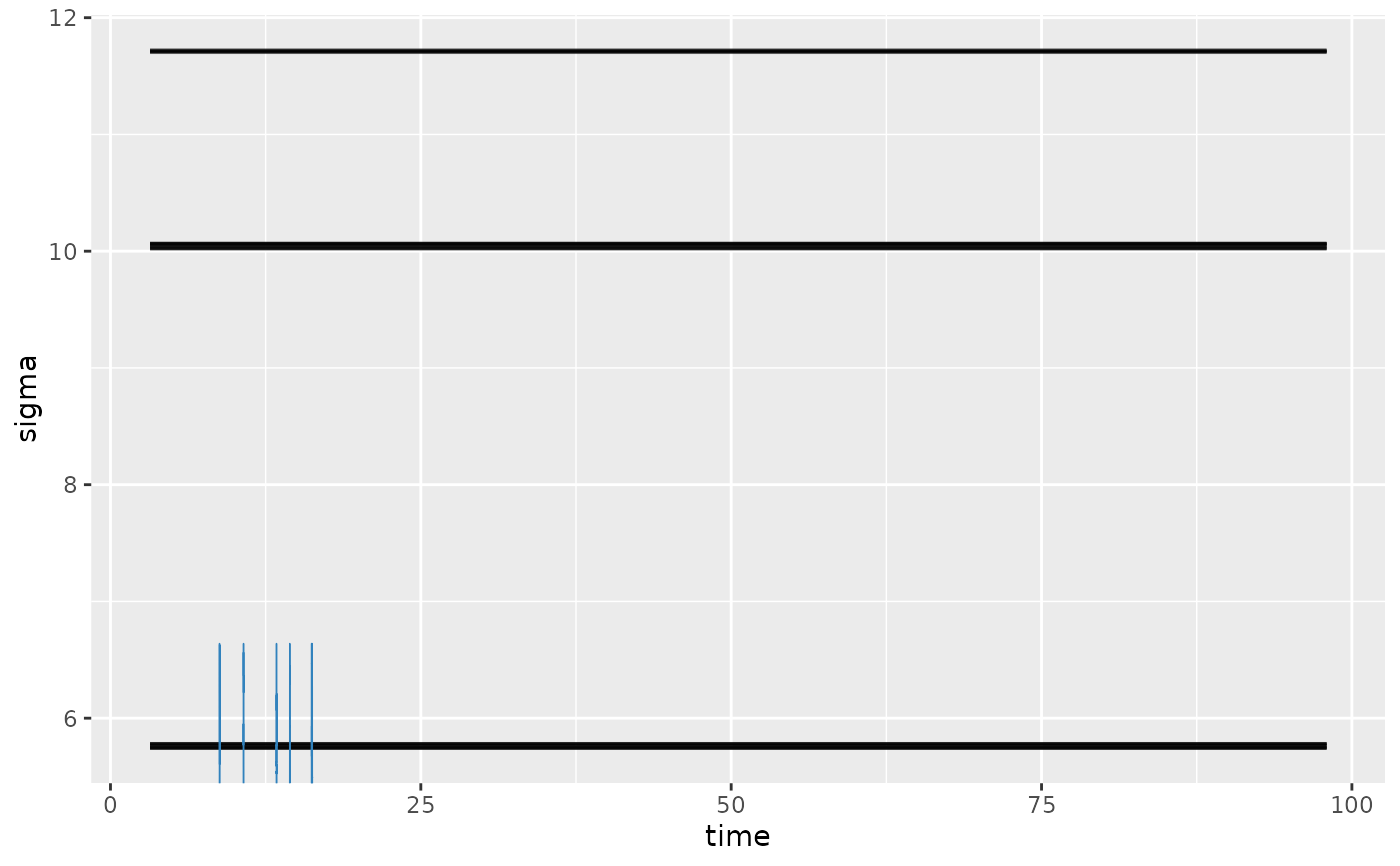
 plot_dpar(demo_fit, dpar = "sigma", lines = 100) # Residual standard deviation on y
 # Show a panel for each group-level effect
# plot(fit, facet_by = "my_column")
# Customize plots using regular ggplot2
library(ggplot2)
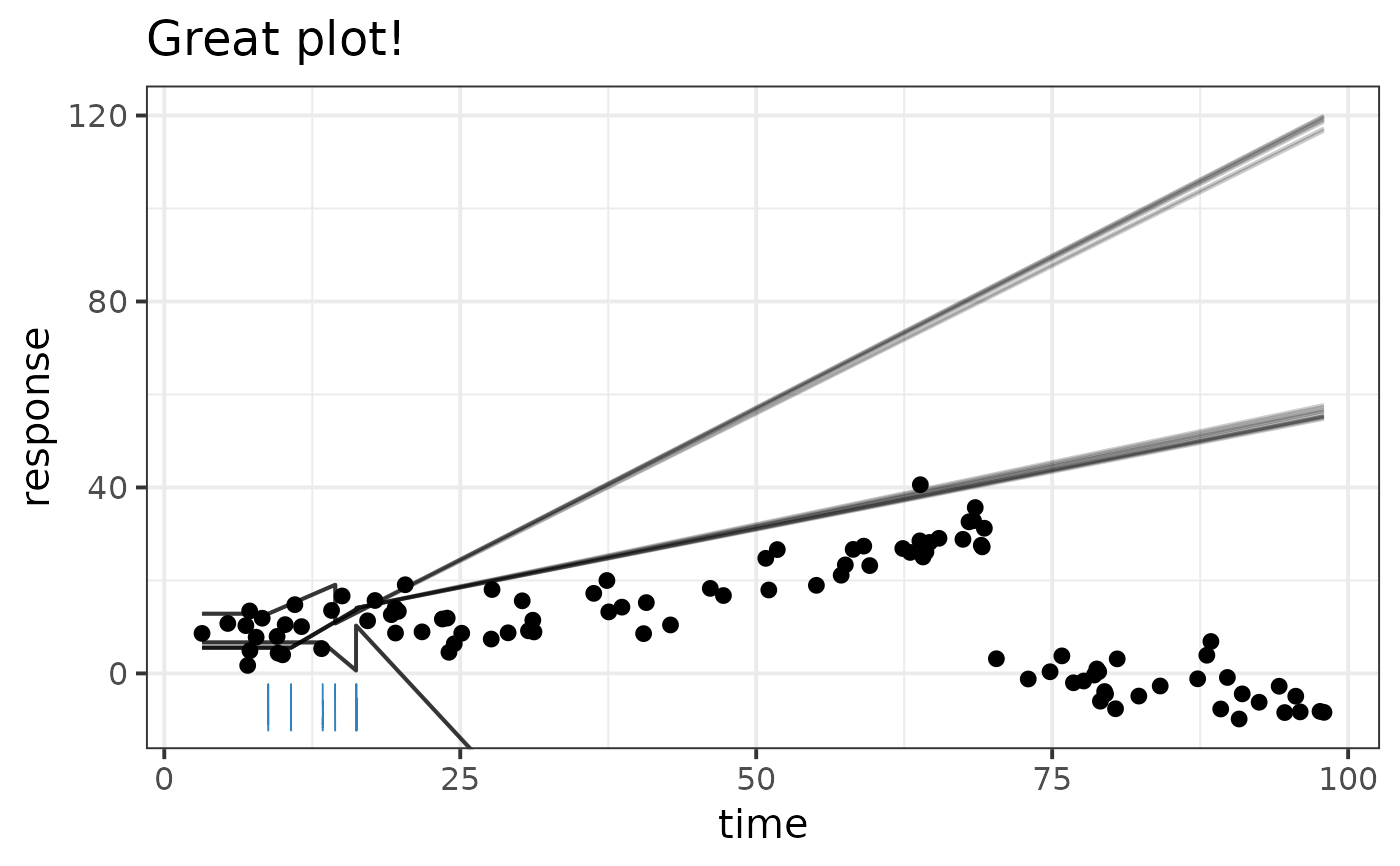
plot(demo_fit) + theme_bw(15) + ggtitle("Great plot!")
# Show a panel for each group-level effect
# plot(fit, facet_by = "my_column")
# Customize plots using regular ggplot2
library(ggplot2)
plot(demo_fit) + theme_bw(15) + ggtitle("Great plot!")
 # }
# }